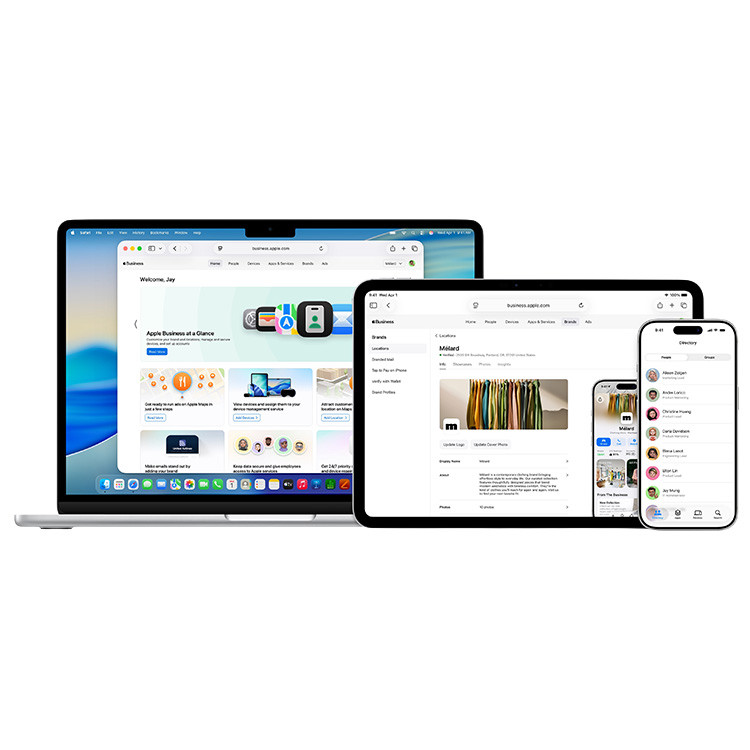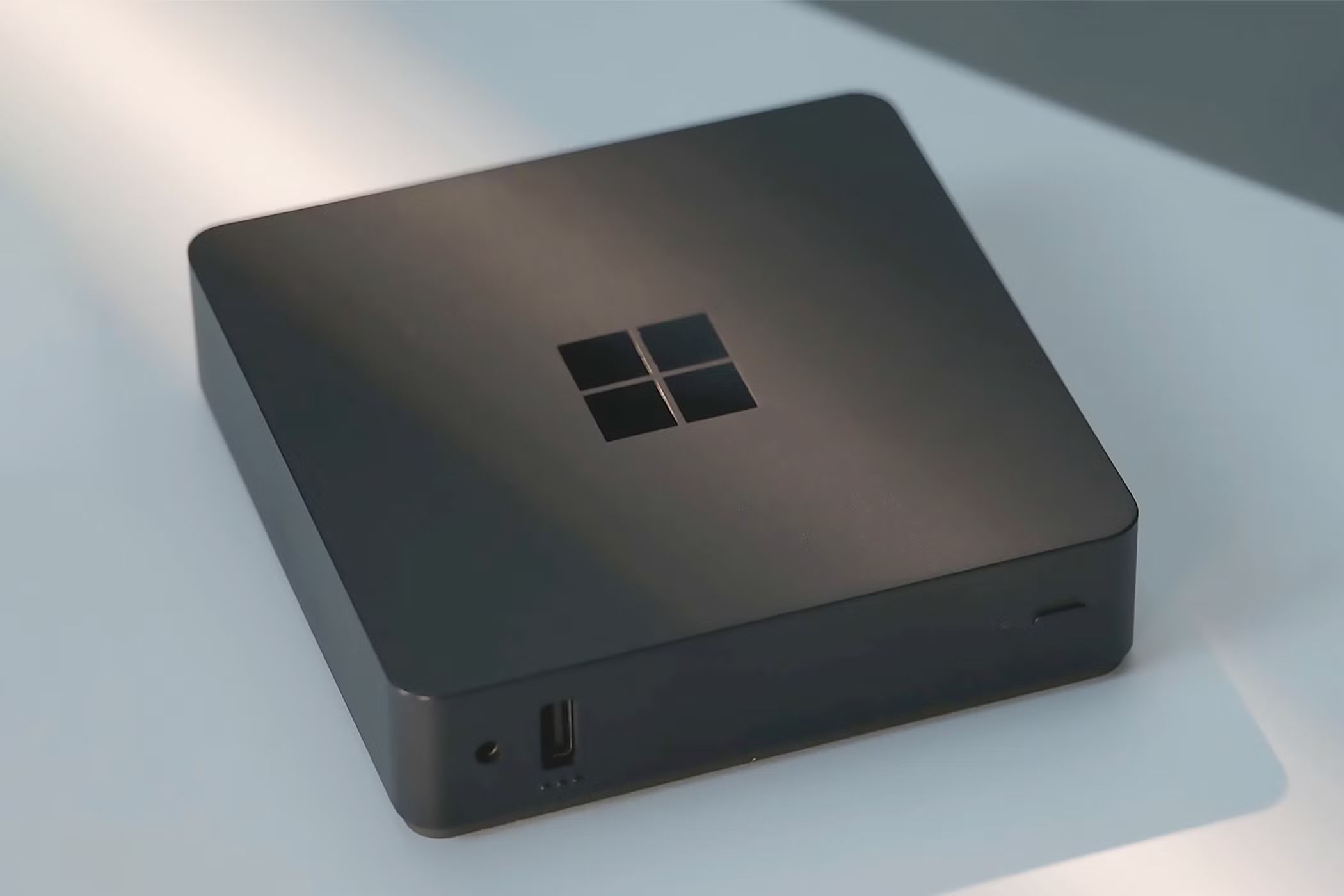
Microsoft has taken a major step into the world of cloud computing with the introduction of its first Cloud PC, the Windows 365 Link mini-PC. This compact and powerful mini-PC is designed to help businesses provide fully cloud-based workstations without local management. The Windows 365 Link mini-PC includes only the Windows App, which allows users to easily connect to their workplace in the cloud. All you need is the mini-PC, a monitor, keyboard, mouse and a working Internet connection.
In addition to this innovative hardware, Microsoft has also replaced the Remote Desktop app on Android with the new Windows App. Now available on all operating systems, this app offers an improved user interface and new features, including support for passkeys for better security. This is the latest step in phasing out the older Remote Desktop app, which will be end-of-life by the end of May.
The new Windows App serves as a single central access point for various Microsoft virtualization solutions. Users can access Remote Desktop, Windows 365, Azure Virtual Desktop and Microsoft Dev Box from a single application. This is a significant improvement over the old Remote Desktop app.
Microsoft reports that the new Windows App has already registered more than 425 million hours of use across all platforms. Still, not everyone is enthusiastic about the change. In particular, many users find the new name ‘Windows App’ confusing, as opposed to the clearer ‘Remote Desktop app.
Rollout on Different Platforms
Microsoft has been phasing out the Remote Desktop app on various platforms for some time. It was previously announced that as of May 27, 2025, support for the Remote Desktop app on Windows will end. Now Android is following in this process.
Enhanced Features
According to Microsoft, the Windows App offers several improvements over the old Remote Desktop app. In addition to a modernized user interface and better user experience, the Android version offers support for Chrome OS. The addition of passkey support provides better and more modern security and authentication.
The Windows App automatically adjusts the display to the appropriate screen resolution. When a user switches devices, for example from desktop to tablet, the app adapts immediately. This makes using it on different devices considerably easier - a functionality that is especially valuable for home workers.