A wake-up call for identity security and CRM systems
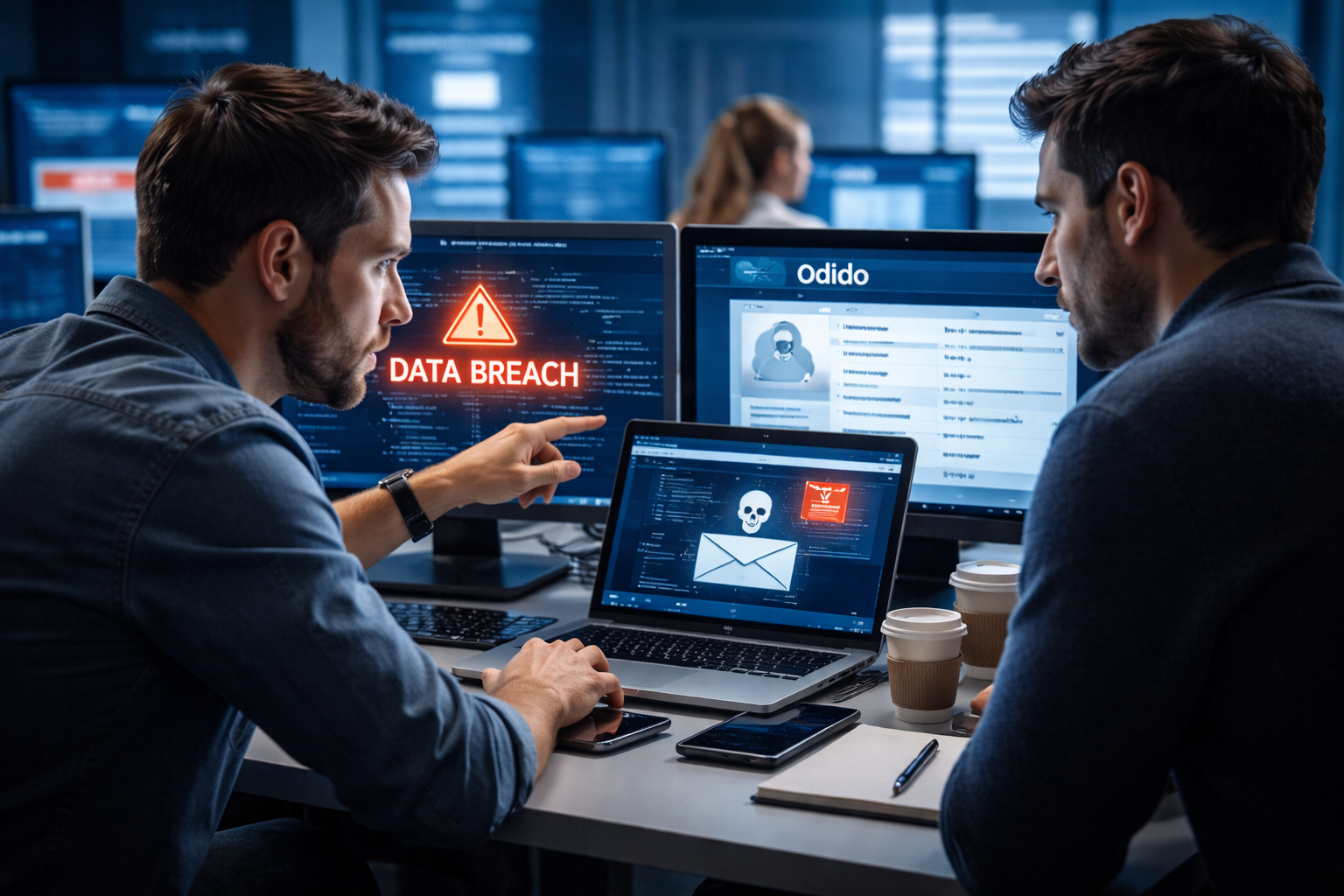
It was recently announced that telecom provider Odido fell victim to a major hack. In the process, customer data was captured through a customer contact system. It involved millions of records including names, addresses and contact information. Many of our customers noticed that their data was also included in the hack.
This incident is not an isolated one. Globally, we are seeing a marked increase in attacks on CRM systems and cloud environments such as Salesforce. Not because those platforms are “insecure,” but because attackers are getting smarter about abusing identities.
What exactly happened? More importantly, what can we learn from this?
What happened?
In these types of incidents, the cause is usually not a technical leak in the platform itself. In many cases, it involves a so-called identity compromise.
This means that attackers cleverly manage to get login credentials or sessions of employees. This is often done through:
- Phishing emails
- Fake login pages
- Social engineering (e.g. fake phone calls from “IT support”)
- Hijacking active session tokens
Once an attacker has valid login credentials or an active session, he can often access CRM data undetected. And that is precisely where sensitive information resides.
Why are CRM systems so attractive?
A CRM system often contains the beating heart of an organization. Consider:
- Customer data
- Contact History
- Contract Information
- Internal notes
- Integrations with other systems
For cybercriminals, this is worth its weight in gold. With this information, they can:
- Run targeted phishing campaigns
- Committing identity fraud
- Blackmailing companies
- Reselling data
The damage is then not only technical, but also legal and reputational. Under the AVG, a data breach can lead to mandatory reporting and possible fines. But just as important: customer trust comes under pressure.
What is the most important lesson?
At the heart of these types of attacks is almost always identity.
Not the firewall.
Not the CRM platform.
But access to accounts.
Traditional security is no longer enough. Today, a password and a simple SMS code offer too little protection against sophisticated phishing.
How do you better protect your organization?
These are the main measures we recommend:
1. Use phishing-resistant MFA.
Choose modern authentication methods such as hardware keys or FIDO2 instead of just text messages or push notifications.
2. Limit access rights
Give employees access only to what they really need. Fewer permissions means less risk.
3. Actively monitor for deviant behavior
Watch for strange login locations, unusual export actions or sudden large data movements.
4. Check integrations
CRM systems often have dozens of links. Old or unused integrations can be a weak spot.
5. Invest in security awareness
Employees remain an important link. Regular training helps to recognize phishing and social engineering more quickly.
What does this mean for your organization?
This incident shows that cloud can be secure provided identity and access are properly managed. Many organizations rely on their CRM and SaaS solutions, but regularly forget to critically assess the security of accounts, rights structure and integrations. Therein lies the very difference between “we have security” and “we are truly secure.”.
Want to know how your CRM environment is doing?
We help organizations to set up their Microsoft, Apple and SaaS environments securely and conveniently. With clear analyses, pragmatic advice and without unnecessary complexity. Want to know if your organization is well protected against these types of attacks? Feel free to contact us. We are happy to think along with you. Super logical right?