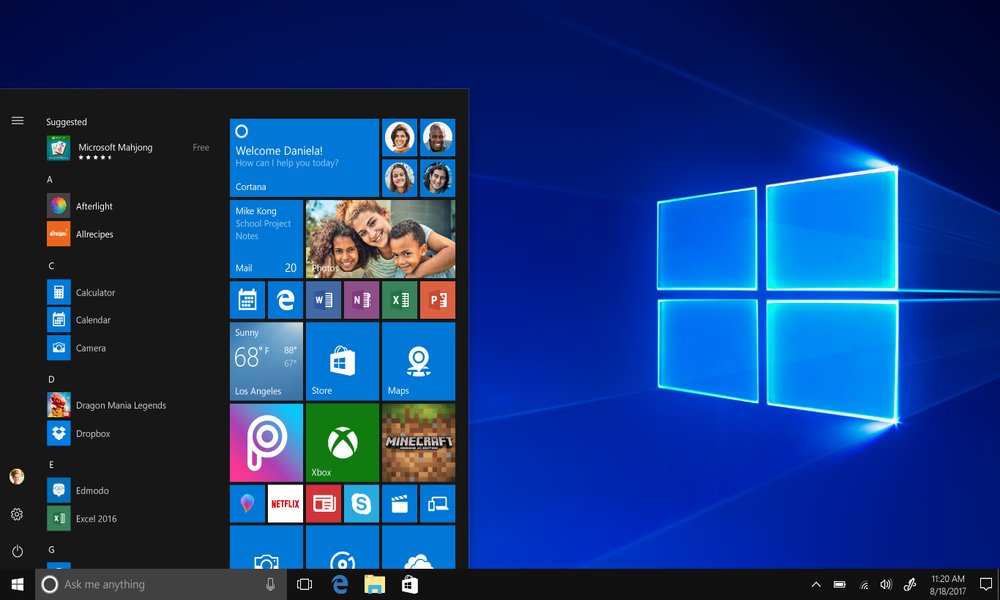
In a recent announcement, Microsoft advised Windows 10 users to buy a new PC if they want to switch to Windows 11. But is this super logical advice? We wondered and have the answer for you in this blog. This advice is not entirely unexpected, given Windows 11's stringent hardware requirements, including mandatory support for TPM 2.01.
Why a New PC?
Microsoft has long tried to smoothly transition users from Windows 10 to Windows 11. However, with the approaching end date for Windows 10 support on Oct. 14, 2025, the transition is becoming less straightforward. Many older systems do not meet the hardware requirements of Windows 11, often making a new PC the only option.
The Dangers of Not Upgrading
Not upgrading to Windows 11 carries risks. Once support for Windows 10 ends, these systems will no longer receive updates or security patches, leaving them vulnerable to security risks3. Microsoft stresses that it is essential to stay on a supported operating system for optimal security and performance.
What Are the Options?
Microsoft's support page lists several recommended models, ranging from high-end options like the Microsoft Surface Studio 2+ to more affordable laptops like the Samsung Galaxy Book LTE with 8 GB of RAM. So there is something for everyone, depending on the user's needs and budget.
Conclusion
Although the hardware requirements of Windows 11 may be a stumbling block for some users, Microsoft's advice is clear: A modern PC is necessary for a safe and efficient work environment. It is an investment in the future, offering not only better performance but also improved security. We have little to counter this and therefore help our customers make the switch to Windows 11 with “sometimes” a new PC!