In mid-2025, Microsoft will allow organizations to control whether new Windows 11 installations push cumulative updates immediately. This change is in response to feedback from system administrators who objected to an earlier introduction that removed all control.
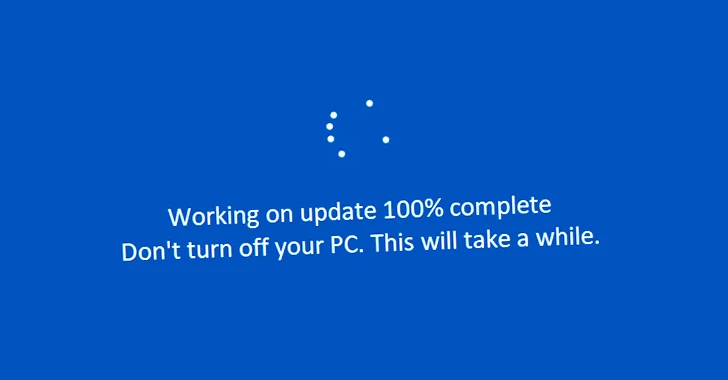
The new policy option will become available later this year for Windows 11 devices with version 22H2 or newer. This will give administrators more control over the update process, especially during the Out-of-the-Box Experience (OOBE), as Microsoft calls it.
Previously, Microsoft's plan was to always force the latest updates upon installation. However, this led to problems because some solutions stopped working after a Windows update or affected other critical functions. Validating a new version is necessary for some applications. The large number of various problems that arise after a new update is enough reason to be cautious.
Implementation via Windows Autopilot
Configuration is enabled through Windows Autopilot. Existing settings for quality updates, such as deferral and pause policies, are synchronized with the device. This ensures that only the latest approved security update is offered.
These are only cumulative or quality updates, not the optional renewals delivered to Windows users each month from Microsoft. Since most devices will ideally run on the latest Windows 11 version, this saves a lot of unnecessary friction while getting an installation ready.
Options for organizations without Autopilot
Organizations not using Autopilot through Microsoft Intune can disable quality updates during OOBE through Group Policy. This option becomes available as a mobile device management (MDM) policy and a Group Policy setting. The update process takes an average of 20 minutes, depending on the update size, network conditions and hardware capabilities.