Microsoft introduces new Windows App for iOS, macOS and PCs

windows app

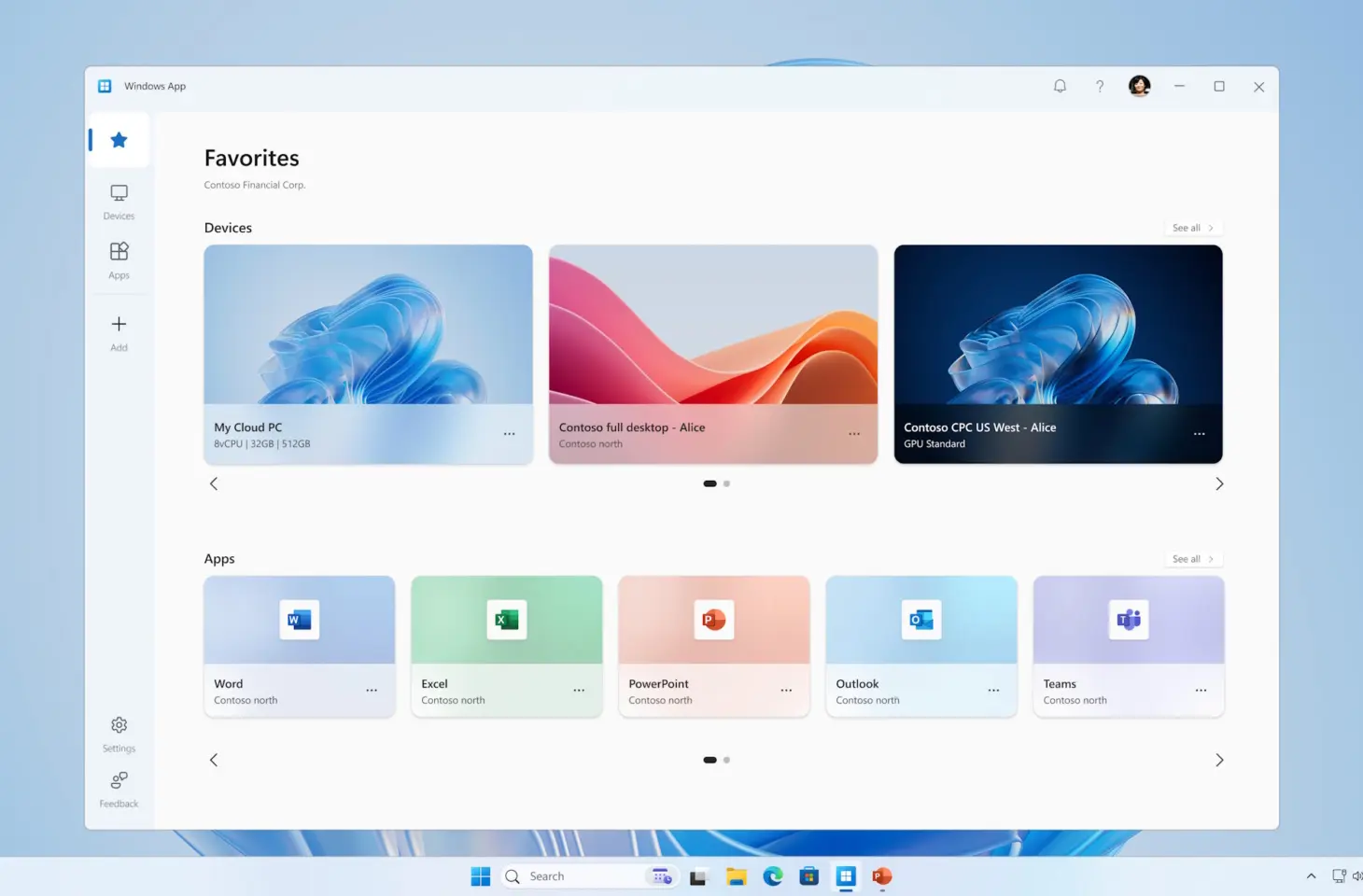
Microsoft recently launched the Windows App, which serves as a replacement for the Remote Desktop app. This new application allows users to stream Windows 11 to various devices, including iOS, macOS and PCs. The app supports various features such as multi-monitor configurations, USB redirection, and account management. There is also improved performance thanks to the use of the Relayed Remote Desktop Protocol (RDP) Shortpath.

With the Windows App, users can now connect to Windows 365, Azure Virtual Desktop and Microsoft Dev Box through a single platform. For IT administrators, this platform offers easier administration and better security, while end users benefit from a customizable and enhanced user experience.

Transitioning to the Windows App

The introduction of the Windows App marks the transition from legacy Remote Desktop clients to a modern, centralized platform. The app is available for business and educational users and supports work and school accounts. IT administrators currently using Remote Desktop can easily transition to the new Windows App.

The Windows App is now available through the Microsoft Store, Apple App Store, and Google Play, as well as can be used directly through Web browsers. Android users can try out the public preview version.

The new Microsoft Windows App introduces several improvements and features. Key new features include:

  1. Central platform: Users can connect to services such as Windows 365, Azure Virtual Desktop, and Microsoft Dev Box through a single app.
  2. Multi-monitor support: For an expanded workspace.
  3. USB bypass: Convenient access to local devices during remote sessions.
  4. Improved performance: Through the Relayed Remote Desktop Protocol (RDP) Shortpath for a more stable connection.
  5. Easy account management and integration with Microsoft Teams.

Need help? We're happy to help! Superlogical

Recent blogs

apple header
Blog
Apple 50 Years: 50 Years of Daring to Think Differently
This year, Apple celebrates its 50th anniversary. A milestone that cannot simply be overlooked. Because whether you are a fan or not: Apple has permanently changed the way we work, communicate, and create. At Analyst ICT, we are proud to be part of this ecosystem. As an Apple Technical Partner, we work daily with technology that is not only powerful but, above all, logical and pleasant to use. A different perspective on technology Apple has always distinguished itself by one simple conviction: technology should help people, not hinder them. No unnecessary complexity, but simplicity and ease of use. That aligns seamlessly...
browser password
Blog
Why saving passwords in your browser is not a good idea
The blog post below was created in response to a question during our engineering meeting. Every two weeks, we get together with all of our technical staff to discuss the latest developments in technology or with clients. Good client questions also arise during these meetings, such as this one. Time to do some research. Thank you, Wiebe! You've probably experienced this: you log in to a website, and your browser asks if it should remember your password. Convenient, fast, and you don't have to remember anything. However, there's a risk involved. In practice, we see that many security incidents start with something small. Like saving passwords…
Apple Business
Blog
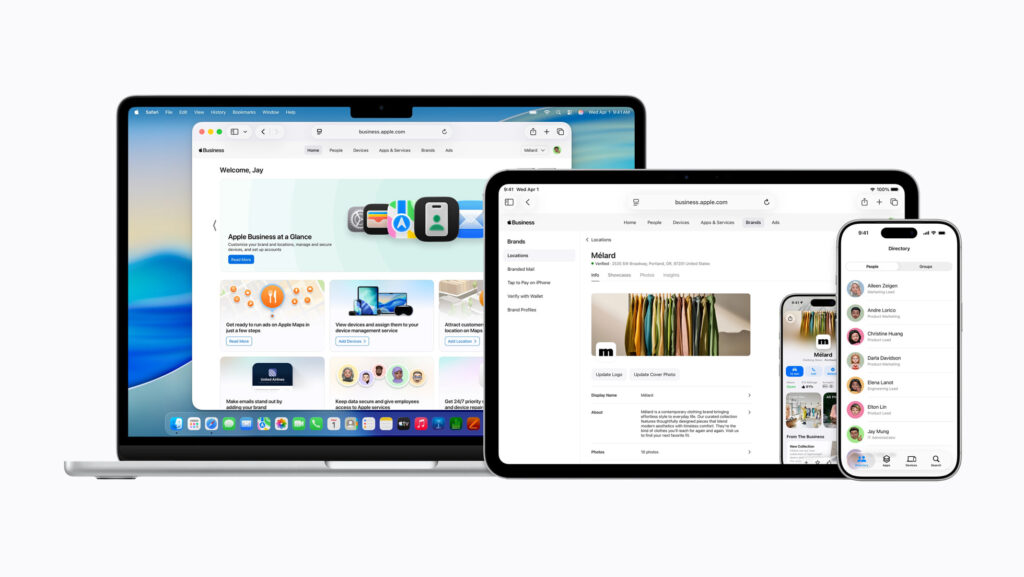
Apple is taking a big step with Apple Business
Apple announced something special this week. Not a new device, but something that might be even more interesting for many organizations: Apple Business. A completely new platform with which Apple brings all its business services together in one environment. And frankly: this is a development that we at Analyst ICT are following with great interest. The problem: fragmented tools and unnecessary complexity Many organizations working with Apple will recognize the problem: Multiple portals (Apple Business Manager, Business Essentials, Connect) Different tools for management, branding, and support Additional costs for basic functionalities such as device management This leads to a lack of clarity and costs time. And…

A newsletter

Superlogic right?