Even after the new Microsoft changes
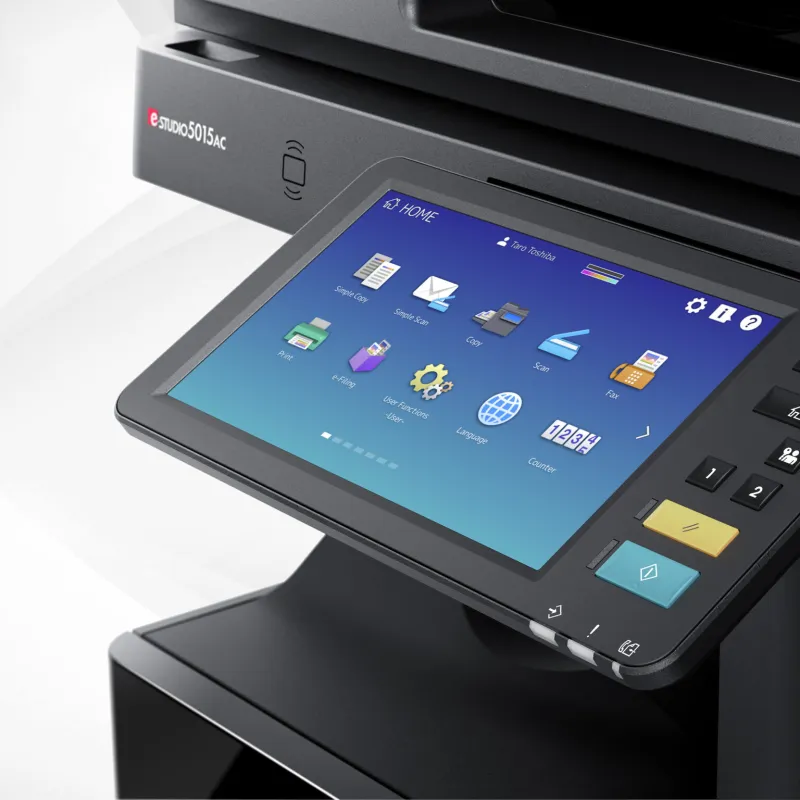
You may have already read it: Microsoft will soon discontinue an outdated way of sending e-mail (so-called SMTP basic authentication). This may affect printers and scanners that send documents by e-mail, such as many Toshiba multifunctionals and other multifunctionals.
That sounds exciting,but the good news is: For customers of Analyst ICT, this is not a problem. We already have a secure, future-proof solution for.
What exactly is going on?
Many printers send e-mail using a direct link to Microsoft 365, with a username and password. Microsoft no longer considers this method secure and is therefore disabling it.
Printers that still work this way will soon be unable to send emails. Consider:
- Scan to email
- Error messages by mail
- Automatic reporting
Our solution: secure emailing via an intermediate step
At Analyst ICT, we solve this differently.
Instead of the printer directly communicates with Microsoft, let the printer send e-mail via a professional, secure mail relay.
This intermediate step handles e-mail traffic on behalf of the printer and handles security according to current standards.
For you that means:
- no dependence on outdated Microsoft settings
- no more user name and password in the printer
- a stable and secure way of mailing
- fully future-proof
The printer still does what it always did: scan and mail. Just smarter and more securely arranged.
Understood explained
You can compare it to:
Rather than delivering the mail itself to Microsoft, the printer delivers it to a trusted courier who knows exactly how to do it securely these days.
And as a user, you actually don't even notice.
What does that cost?
This solution is available from €10 per month depending on how much you send.
For that, you get:
- A secure e-mail solution for your Toshiba printer
- monitoring and management
- malfunction support
- certainty that your scan-to-mail will continue to work, even in the future
No big investments, no complicated adjustments.
For whom is this relevant?
This solution is of interest to:
- Toshiba printers that scan to email
- organizations using Microsoft 365
- companies that don't want the hassle of changing IT rules
Are you in doubt as to whether this applies to you? Then we will be happy to check it for you.
Think first, then do
As you have come to expect from us, we first look at how your printer is currently set up. Only then do we recommend what is needed. No panic, no unnecessary costs, just a clear solution that works.
Want to know if your Toshiba printer is affected by this?
Feel free to take contact with us or our partner DKMsolutions. We are happy to explain it to you in plain language.