We also notice it while working and supporting our clients, passwords are often insecure! Why? People reuse the same password everywhere or make up a password that is easy to guess. Fortunately, passwordless authentication exists: secure login without entering a password anywhere. This new way of logging in is easier and at the same time removes the dangers of phishing, keyloggers and peepers. So a huge win within your cybersecurity.
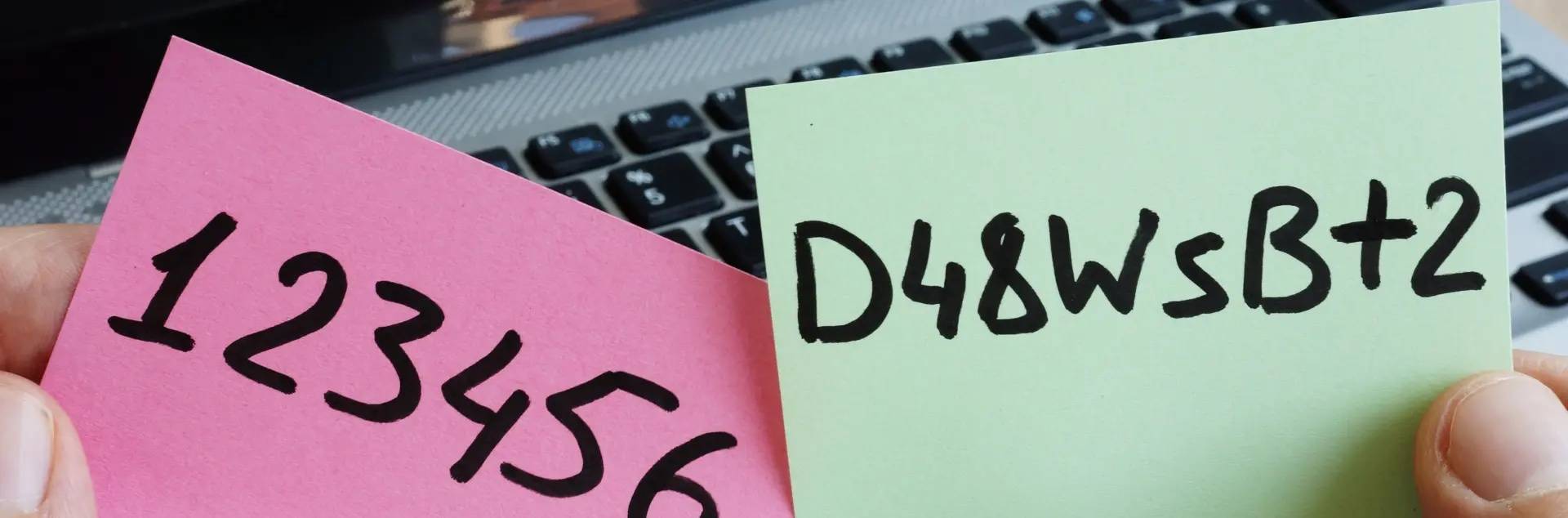
Passwords remain tricky for any business. In fact, there is no easy answer to the question, ‘What is a good password policy? Too few requirements? Then passwords become too easy. Too many requirements? Then people start making up patterns. Or they put their passwords on a post-it and stick it somewhere on their computer. Or that familiar spot on a sticker under the keyboard.
But how can we work without passwords then? For employees, it's very simple. They register their cell phones in the Azure Active Directory with the company account. From the company, you verify that the phones are secure, for example, by setting fingerprint login as a requirement.
Now, when they log into an unknown device, such as a public computer, in a browser, the login screen shows a cipher. Through the Microsoft Authenticator app, they are each shown three unique digits on their phone. One of these matches the digit on the login screen. Thus, the moment they choose this digit, they are letting users know it is them.
That this improves ease of use should be obvious. As a user, you don't have to type your password over and over again. This makes it less inconvenient to have a complex and secure password. If you use passwordless authentication in combination with Windows Hello for logging into your computer, you can even log in with a fingerprint or a scan of your face!
Logging in without a password is that safe?
Passwordless login is more secure than password login. And passwordless login is at least as secure as a password combined with MFA.
- A password alone provides much convenience but little security.
- A password combined with multifactor authentication (MFA) provides a lot of security but less convenience.
- Passwordless authentication provides great security as well as convenience
In fact, passwordless authentication uses an ‘Intune managed environment’ combined with Azure MFA. In short, your password is replaced by your smartphone or a FIDO2 security key.
That smartphone or key is managed by the organization, so it can control security. In doing so, you can set as an organization that this tool must have certain updates, and you can set requirements for the pin. Or you can ask employees to log in with a fingerprint or facial recognition.
Thus, accessing an account requires both a phone or key and a method to unlock it. But this does prevent a number of dangers. Consider password leaks, people typing passwords on phishing sites and cybercriminals watching as a password is typed.
And now?
Microsoft has been working on passwordless for years. In 2021, the company made passwordless generally available to organizations. Since September 2021, passwordless has also been available to consumers.
Passwordless login can be done in several ways. With:
- Windows Hello
- Microsoft Authenticator app
- FIDO2 keys
Microsoft is now adding a fourth: The Temporary Access Pass (TAP). As a result, this one is still in public preview. The Temporary Access Pass is a time-limited access code that allows users to securely access their account without a password. After logging in with TAP, they register their passwordless authentication methods, which they can use to log in at any time thereafter.
The great thing is that the onboarding of new employees with TAP can now be passwordless. With a valid TAP, a new employee logs in directly and sets up a passwordless authentication method on the MySecurityInfo page. Thus, the Microsoft account is completely passwordless. Thus, no password is involved in the whole cycle from onboarding to account recovery. And that's much more secure.
source: www.microsoft.com and OGD