Analyst ICT supplies and installs together with DKM Solutions multifunctionals (printer and scanner solutions) from Toshiba. By Toshiba special attention was given to the TPM 2.0 chip, now many customers also have questions about TPM. This is because Microsoft has made it mandatory for Windows 11. High time to find out in the following blog. #superlogical anyway
But what exactly is such a TPM Chip and why is Microsoft demanding it? In addition to Microsoft going down this path, we also see manufacturers of Multifunction printers such as Toshiba responding to it. For example, Toshiba is even one of the first with a TPM 2.0 chip in their machines.
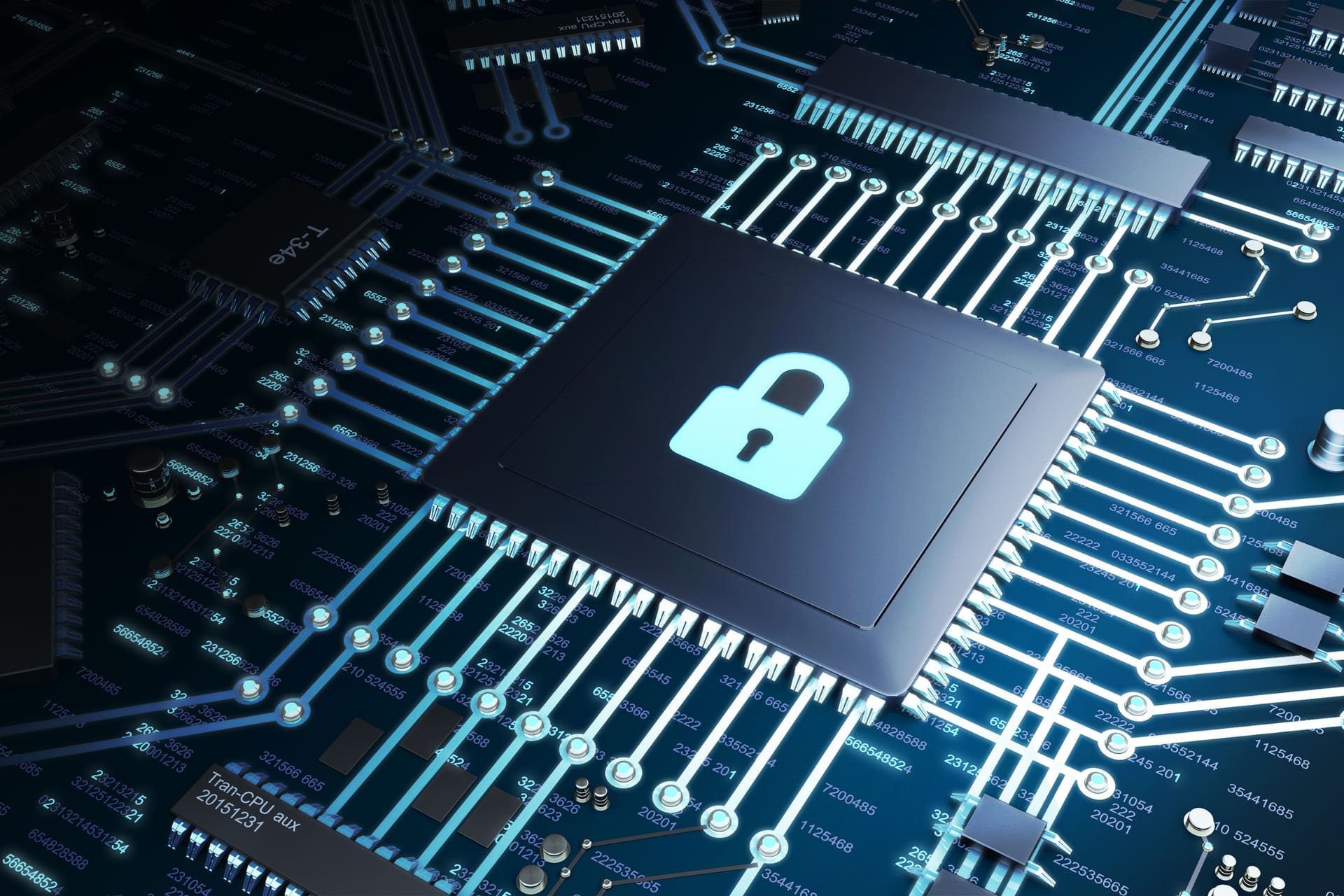
A Trusted Platform Module is a small chip sitting on the motherboard of your computer or printer that provides hardware-level security features. It is essentially a secure crypto-processor capable of performing operations such as generating encryption keys and providing a combination of software- and hardware-based authentication in a tamper-resistant manner.
What are TPM chips used for?
In short, TPM chips are all about security. They are most commonly used to protect and encrypt data and can store sensitive information such as passwords, encryption keys and security certificates with a hardware barrier.
A TPM chip can quarantine itself (and thus any data stored on it) if it detects malware or a virus on your device. In some cases, the chip can scan your computer's BIOS on reboot and run a series of conditional tests to check for unwanted programs or access before running. The chips can also detect if someone has tampered with your computer's hard drive or printer (for example, if it has been stolen) and prevent your computer from booting up and locking the system if it detects anything. The chips can also store biometric login credentials, such as those used for Windows Hello.
Usually, however, the chips are used to generate unique cryptographic keys. In doing so, the chip keeps part of the key to itself (literally: it is stored only in the TPM, never on your hard drive). The keys help encrypt your hard drive, and anyone trying to access that key can't just pop away with the hard drive and get the information later when they plug it into their computer's motherboard at home.
Who uses TPM chips?
Previously, the component was usually only used by large companies that needed to secure their information. You usually saw the chips in company laptops, because they were used there to make sure the hardware or software had not been tampered with by employees or anyone else.
What is the difference between TPM 1.2 and TPM 2.0?
While Microsoft is still unclear whether it will settle for the TPM 1.2 standard or eventually opt for TPM 2.0, it is still worth knowing the difference between the two. As it stands, this will remain TPM 2.0.
Microsoft states, “The TPM 1.2 specification only allows the use of RSA and the SHA-1 hashing algorithm.” Similarly, it follows by saying, ”TPM 2.0 enables greater crypto-agility by being more flexible with respect to cryptographic algorithms. TPM 2.0 supports newer algorithms, which can improve disk signing and key generation.”
Simply put, TPM 2.0 technology is newer than that of TPM 1.2, the latter of which has been around since 2011. The encryption is stronger, more secure, and better able to support newer algorithms. And as with most things in technology, the newer is usually better.
Or as Toshiba states in its documentation:
TPM (Trusted Platform Module) is used to enhance PC security. improve by allowing and running only programs that are of and proper encryption key are provided. When data is encrypted, it can only be with the appropriate cryptographic key are released and used. The TPM module prevents insecure programs and hacking tools from being used. On this way, and PC or server has suddenly become a whole lot more velvety.
Hopefully this will make TPM and the security it provides super logical. Questions or need help with rollout or implementation? Please take a moment contact on.