This page is designed to help Analyst ICT customers get started with the Autotask ticket creation and management system.
1. Introduction
This is the manual for Autotask's client portal. Autotask is the system with which you can generate all reports and tickets from now on. The purpose of this system is to have one overview for you as a client and your regular contact person from Analyst ICT.
2. Welcome email
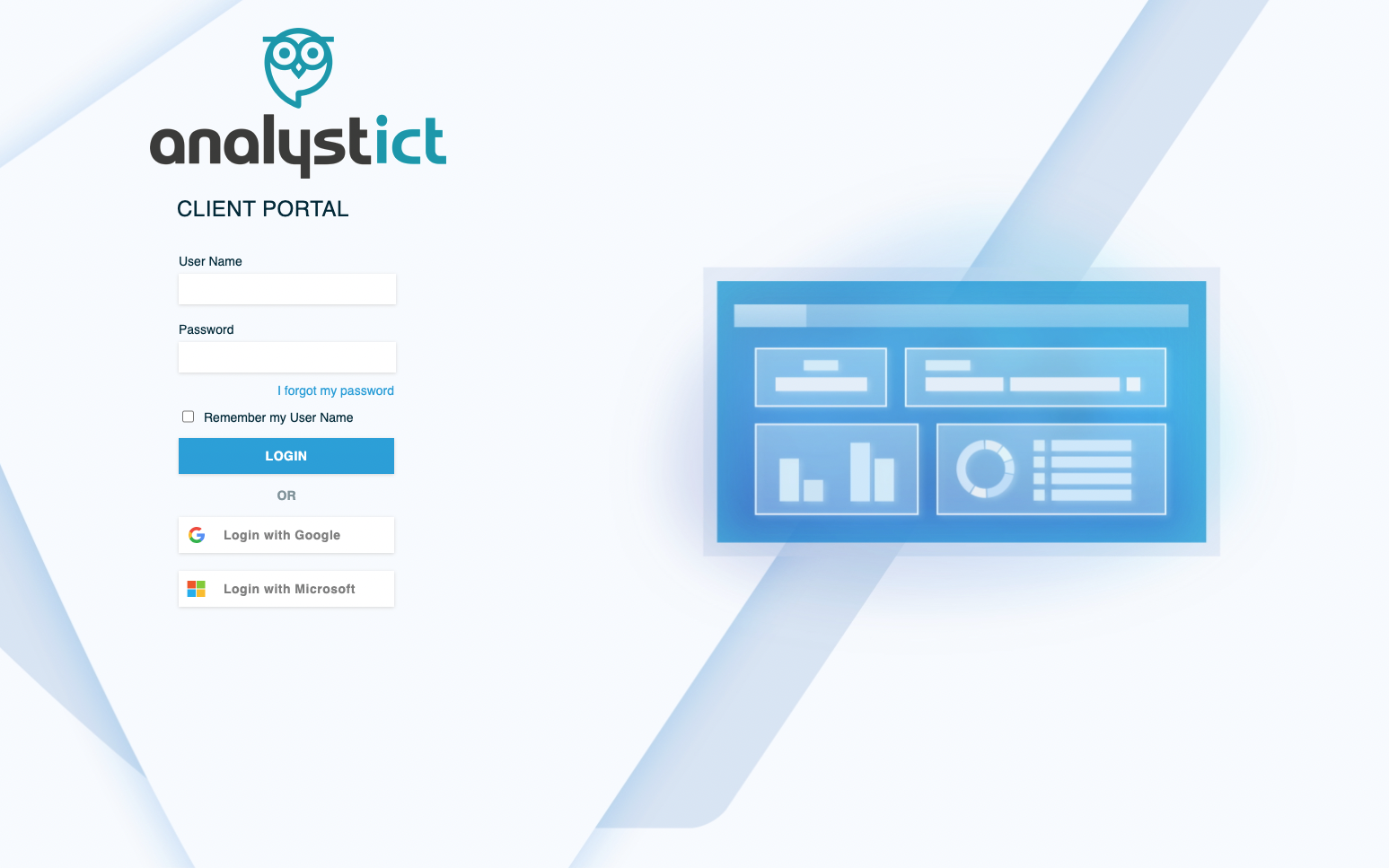
You have just received an e-mail from ‘Autotask. In this email you are asked to press a link and set a password. If you forgot your password, you can always use ’I forgot my password‘ to request a new password. The text ’A password reset email has been sent to the email address on file‘ will appear on your screen, and you can set a new password via the email.
3. Login
After step 2, it is possible to log into the customer portal. You can go to our website www.analystict.nl and in the website menu you will find the option ‘customer portal”
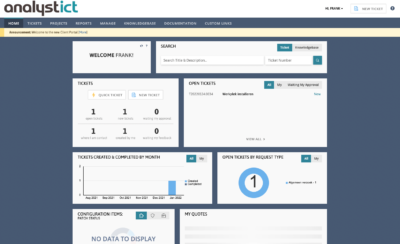
The main feature of the customer portal is that you can easily create a ticket. When you are logged in, you will see the screen below. You can then create a ticket via ‘new ticket’. New ticket‘ can be found at the top of the menu bar under ’tickets’ or on the dashboard under the heading ’tickets’ and then ’new ticket‘.’.
Next, you can choose which type of ticket you want to create.
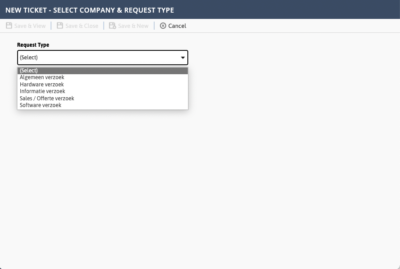
5. Type of tickets
The system has the following types of tickets namely:
- General request
- Hardware request
- Information request
- Sales / Quotation request
- Software request
Most general questions or work to be scheduled can be put in a general request. If there are specific questions about hardware, software or information, these often involve security or other privacy-sensitive issues.
In this manual, therefore, we choose a ‘General request’
In this new ticket you give the ticket a name, for example ‘Installation new workplace Pete’. Then you can choose a contact person from your own organization with whom we should plan this work. In the ‘Description’ you indicate what needs to be done and when. For example: ‘Please install new workplace Pete; this should be set up as an administrative workplace’. If a date is desired, you can enter it immediately.
Configuration item can be left blank
Then press “SAVE TICKET”
Your ticket is now being processed by the service desk. You will receive a response with a notification number in it within 12 hours.
6. Status tickets
From now on, you can track the status of your ticket in the main screen under OPEN TICKETS.
7. What next?
It is the intention that all communication regarding your report will go through Autotask from now on and no longer through email. If you want to see what the current status is, open the relevant ticket by clicking on the ticket number.
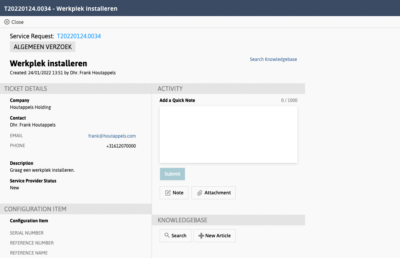
By using the ticket system, we hope to give you an unambiguous way of working and for you as a user or ICT contact, a means to keep an overview.
If you have any further questions please feel free to contact with us.